01 / Your overview
Know what renews next.
Keep recurring costs and dates in view.
 MyRenewals
Available now · iPhone · iPad · Mac
Keep recurring costs and dates in view.
A little hands-on
An interactive browser example with sample data. The app itself is shown in the native captures below.
Inside the app
MyRenewals · en-US
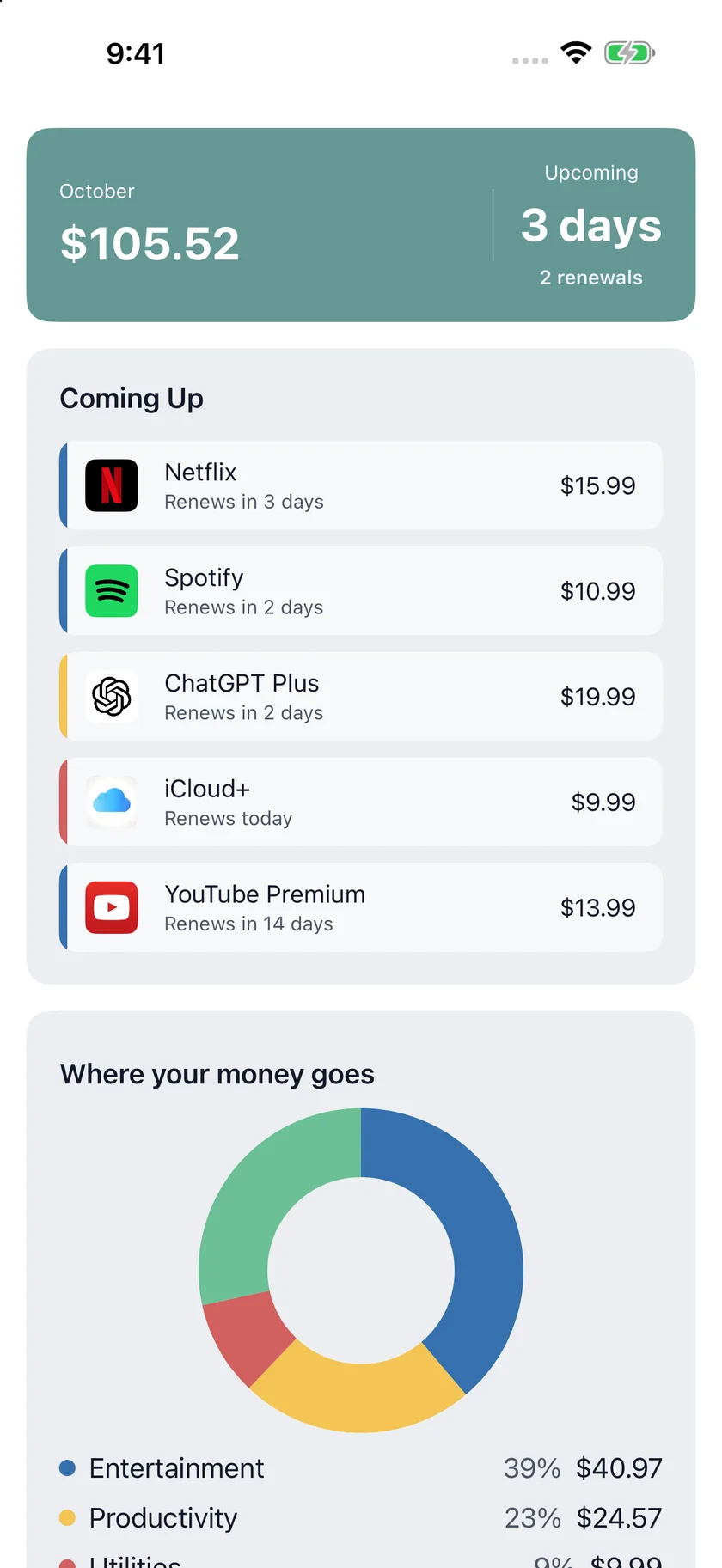
01 / Your overview
Keep recurring costs and dates in view.
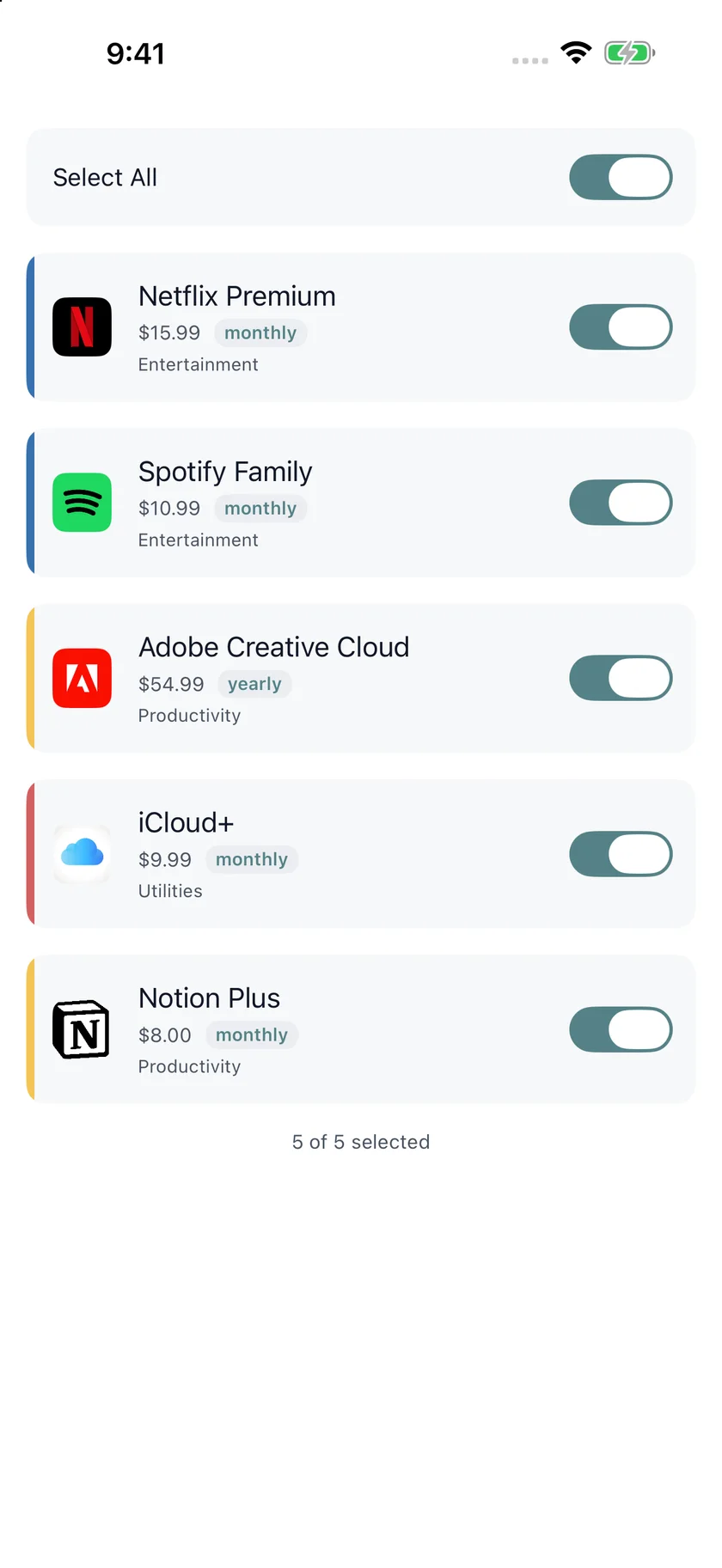
02 / Import review
Review imported plans before adding them.
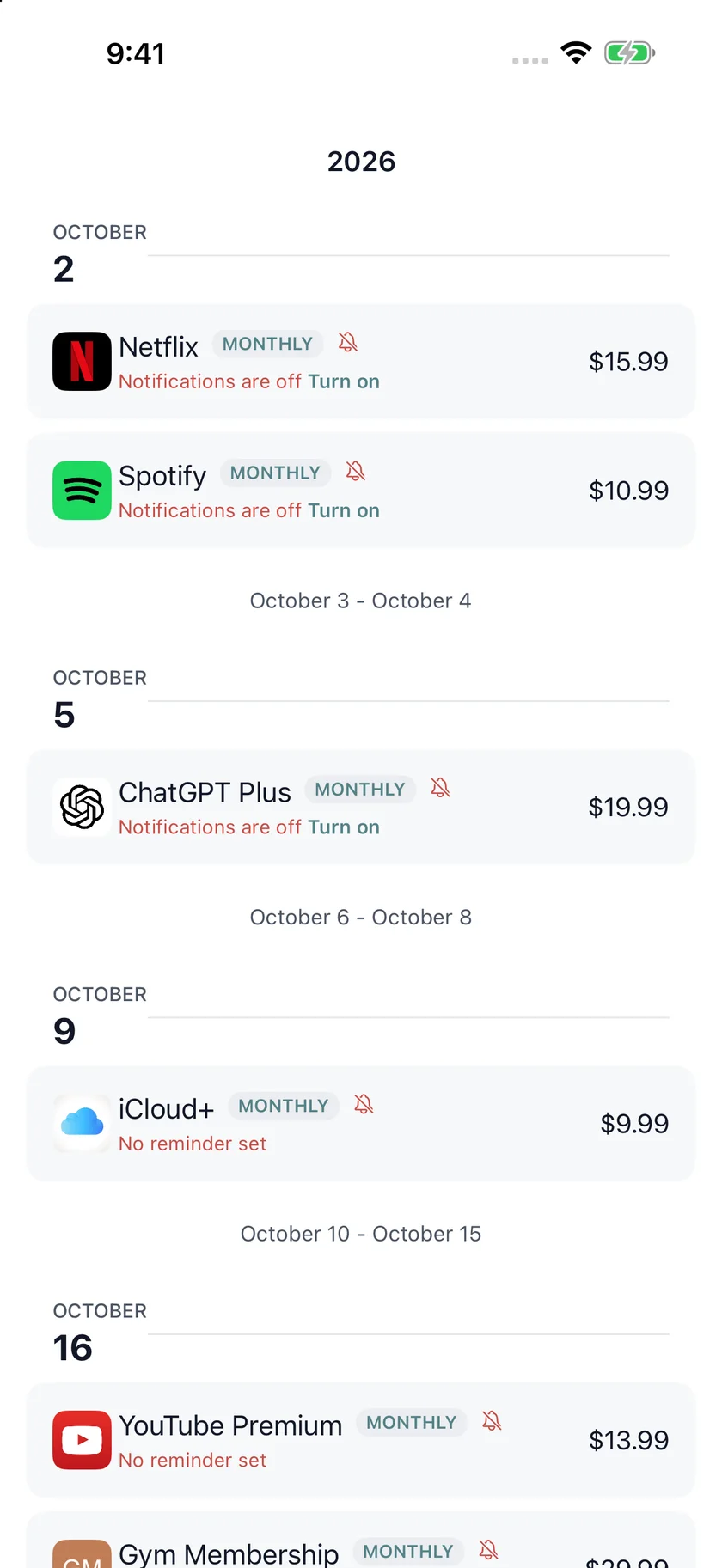
03 / Renewal calendar
Keep upcoming renewals together.
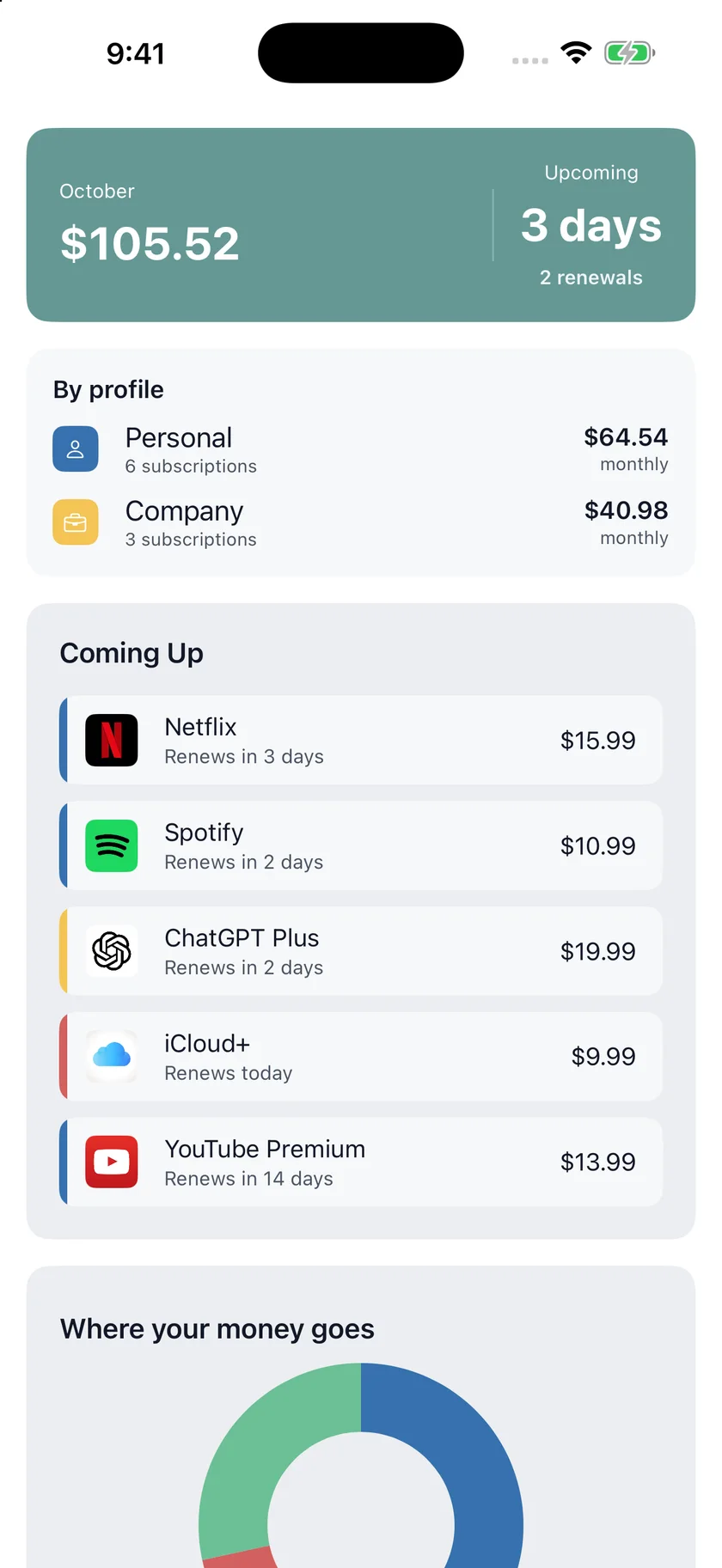
04 / Personal and company
Compare recurring costs by profile.
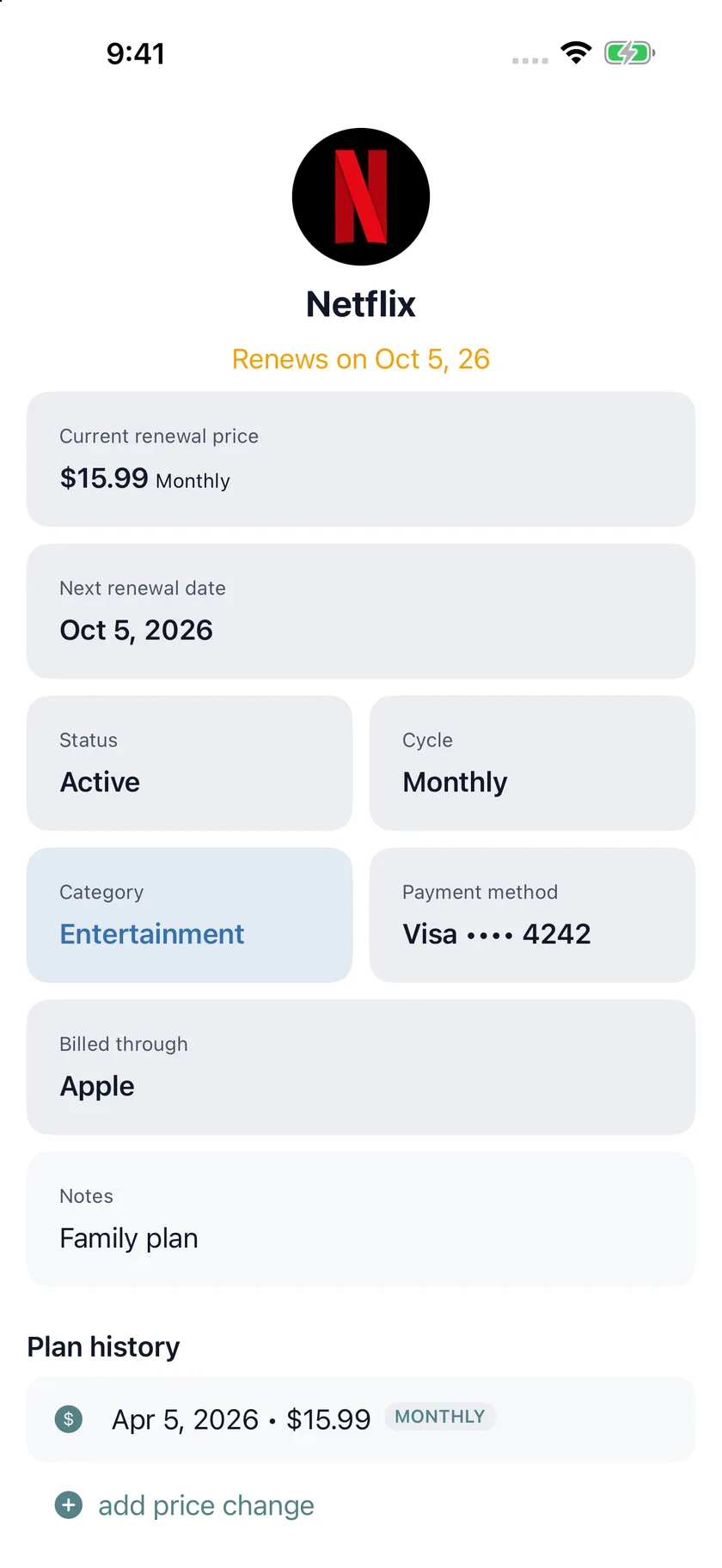
05 / Plan details
Check dates, payment methods and history.
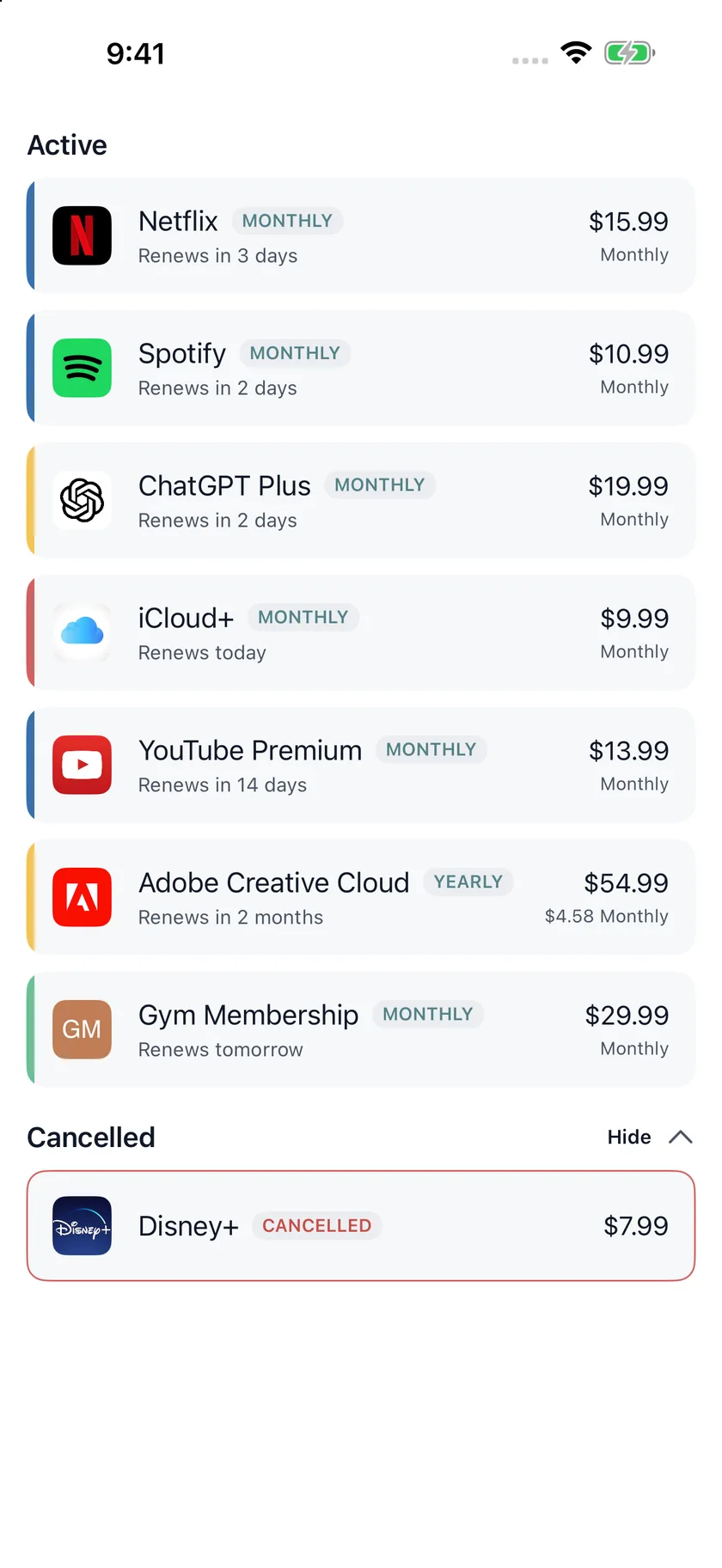
06 / Subscription list
Review active and cancelled subscriptions.
Platforms
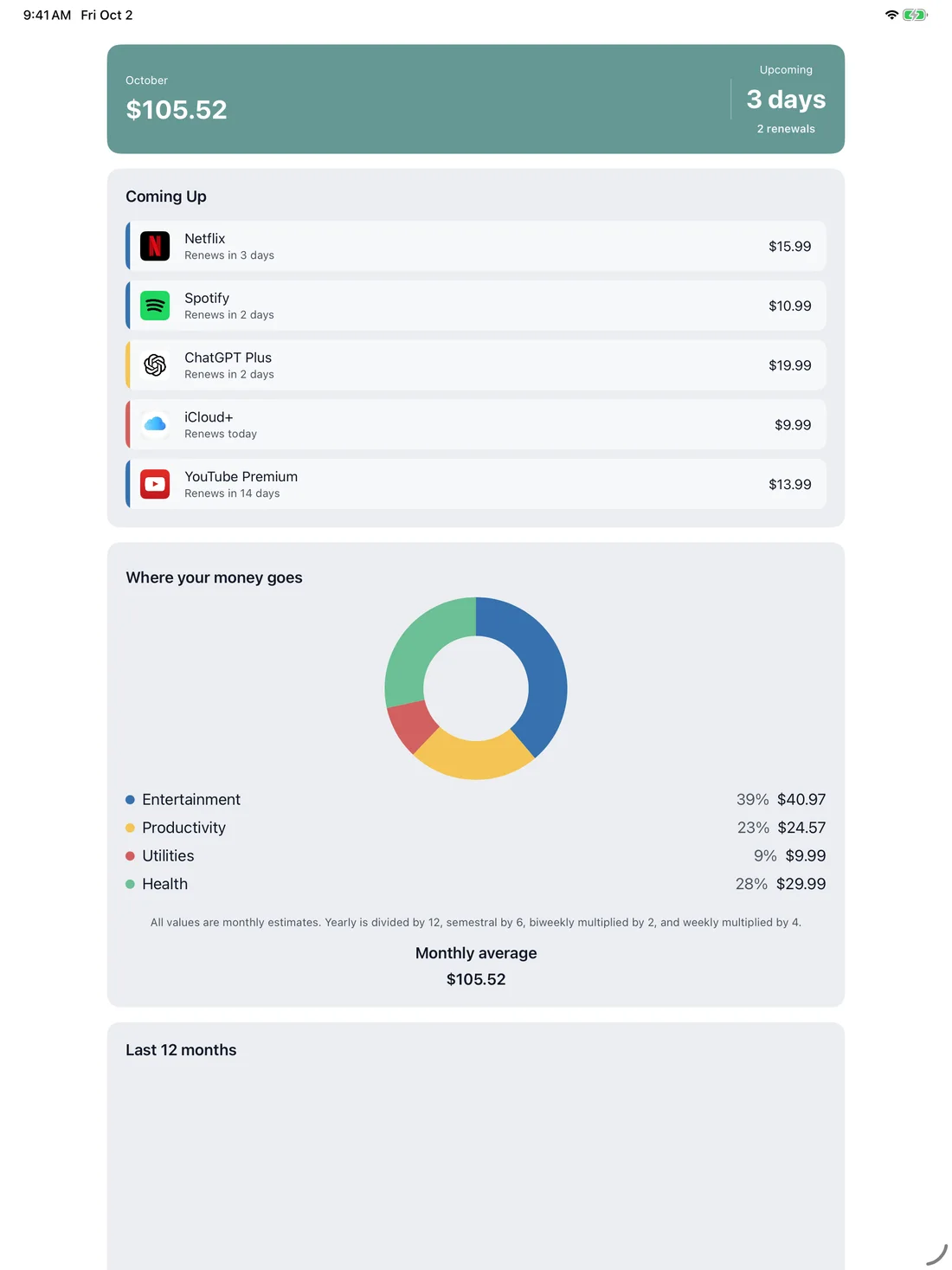
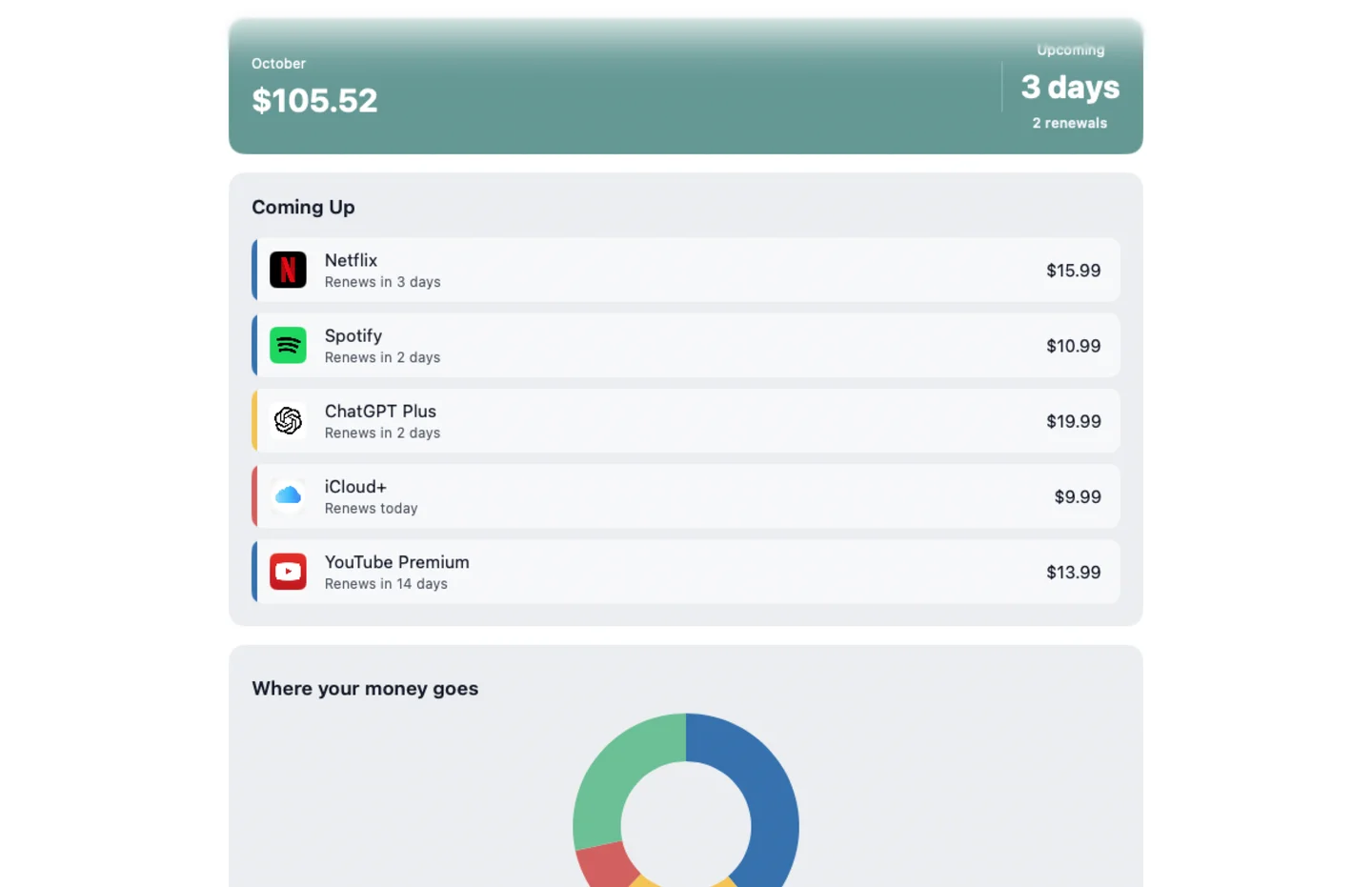
Keep recurring costs and dates in view.
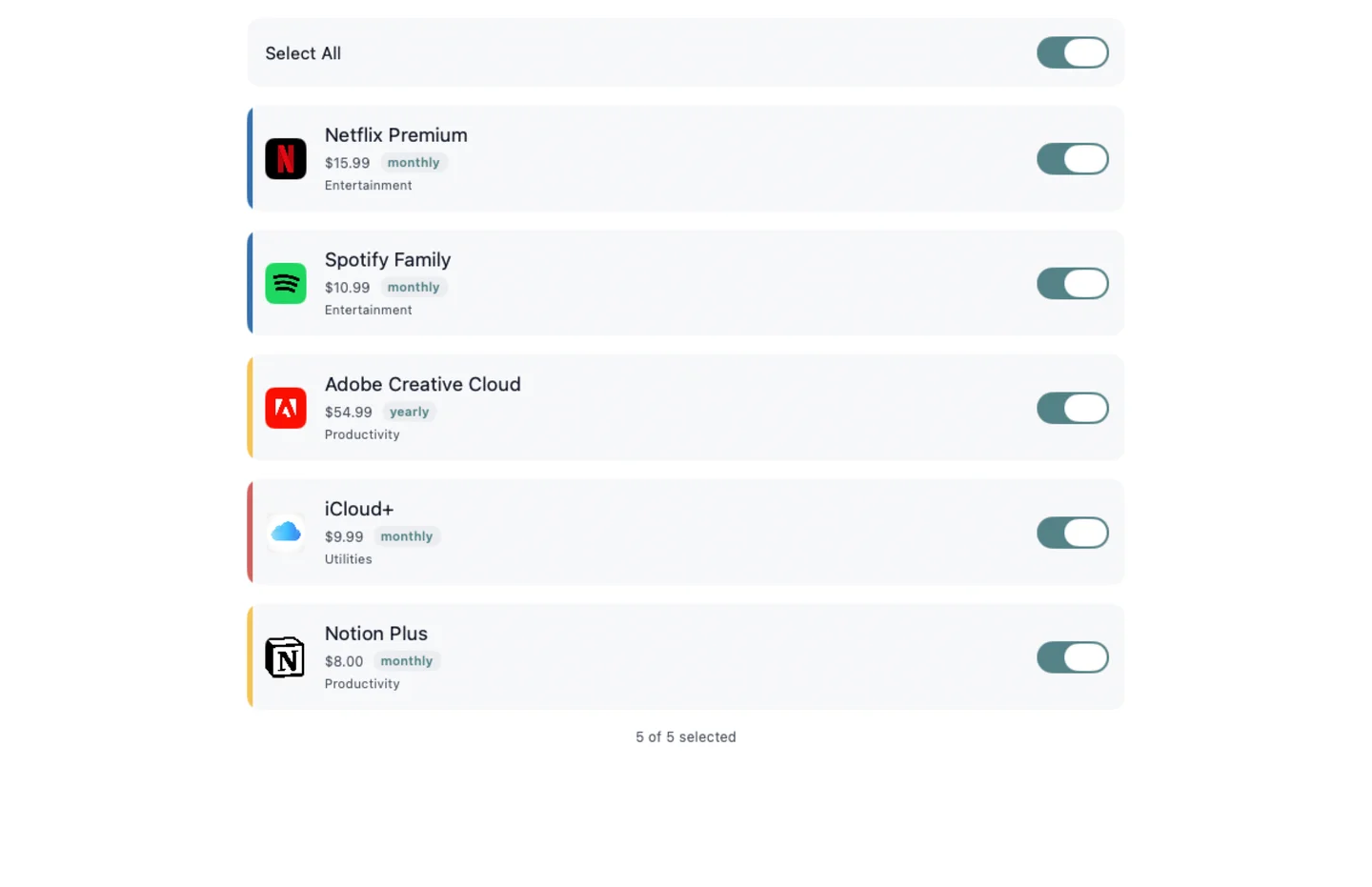
Review imported plans before adding them.
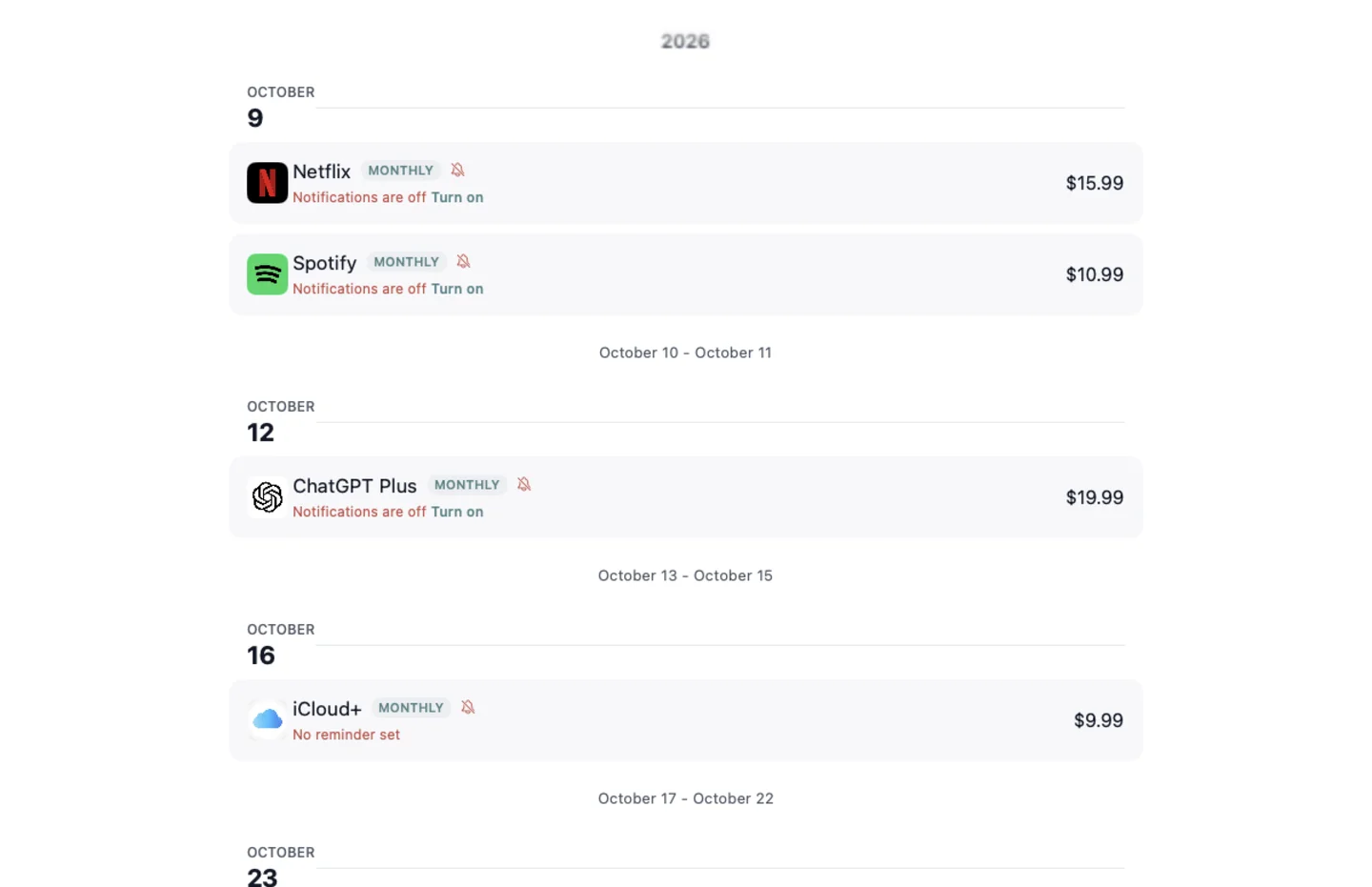
Keep upcoming renewals together.
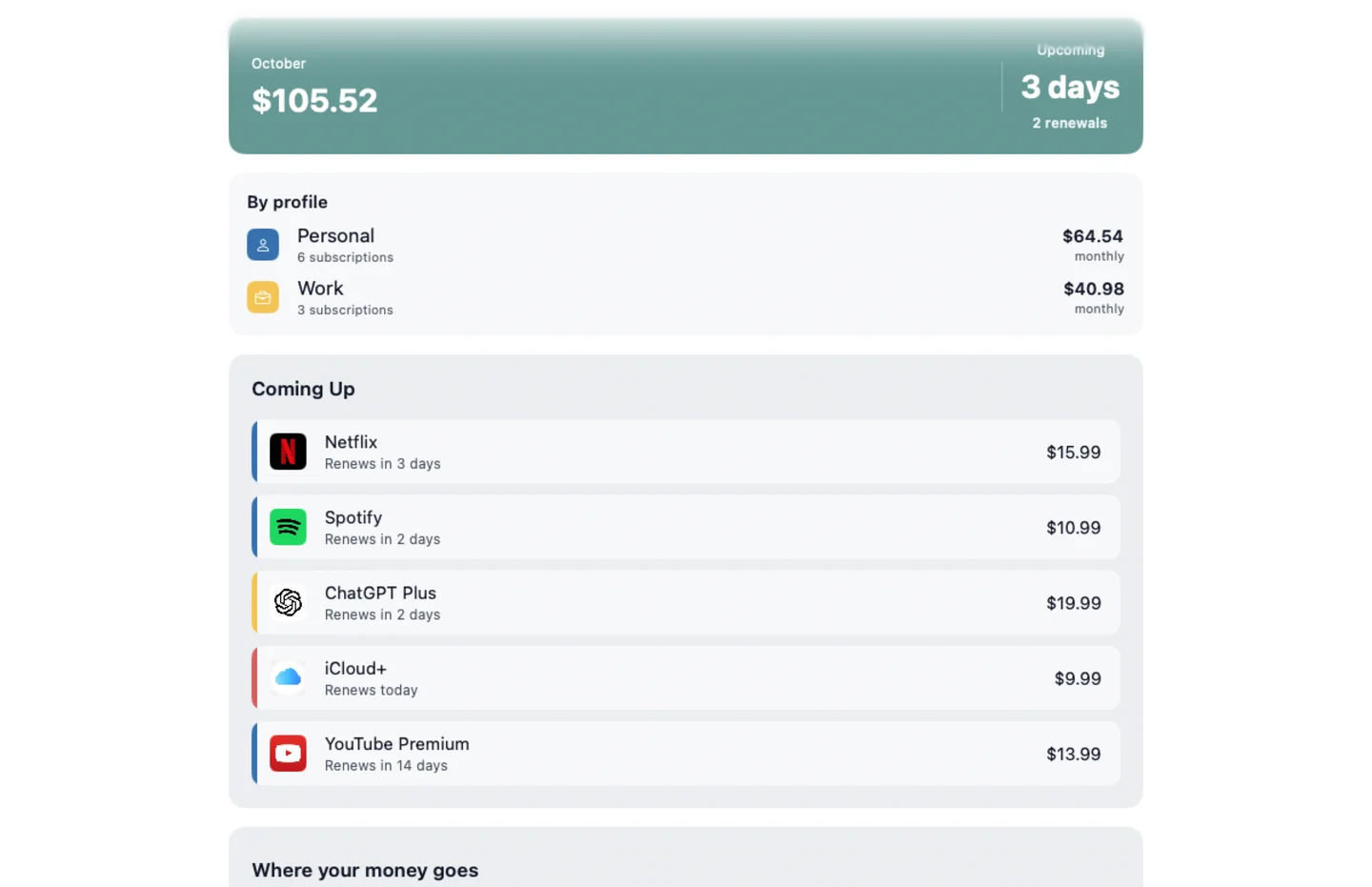
Compare recurring costs by profile.
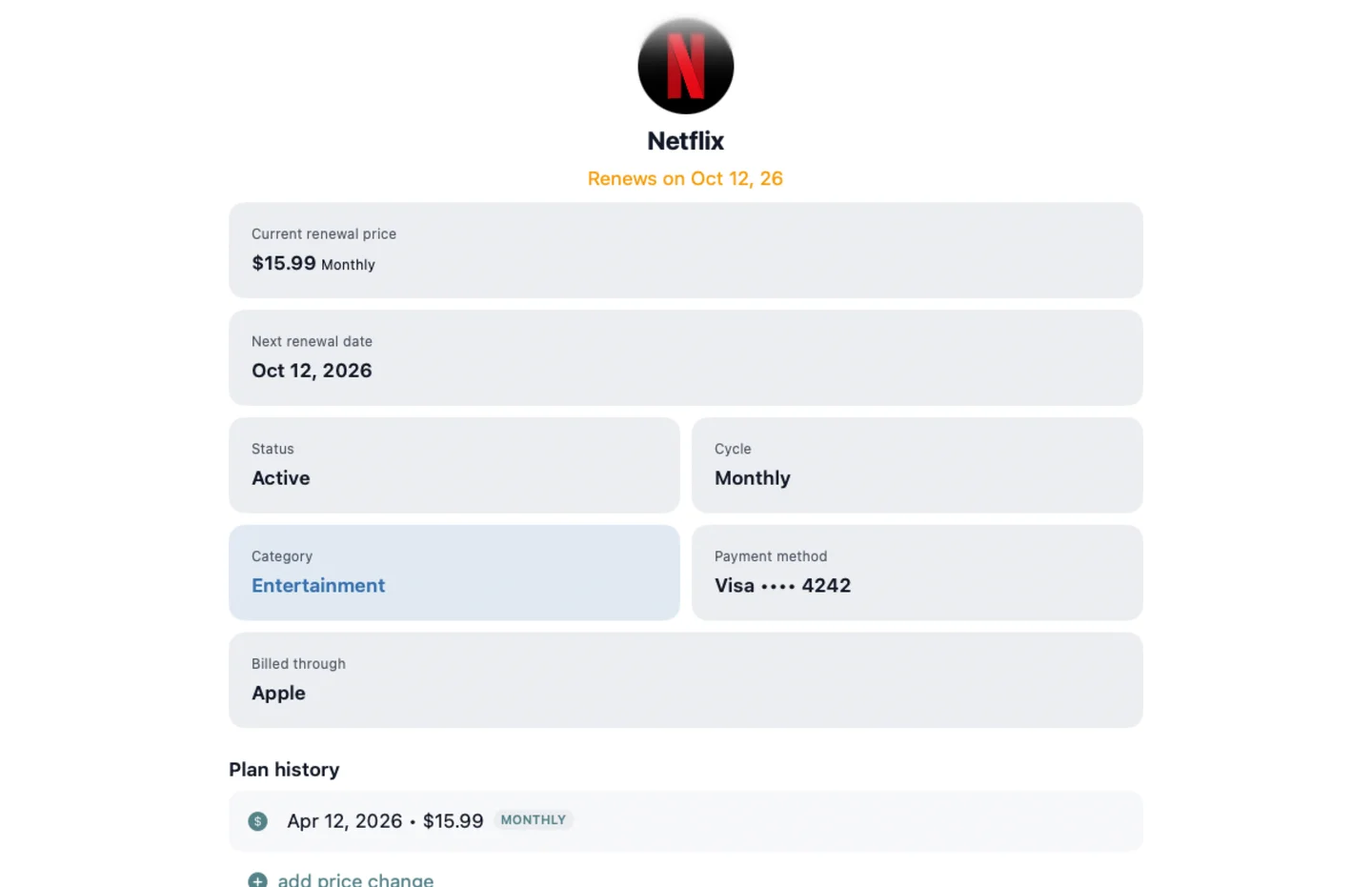
Check dates, payment methods and history.
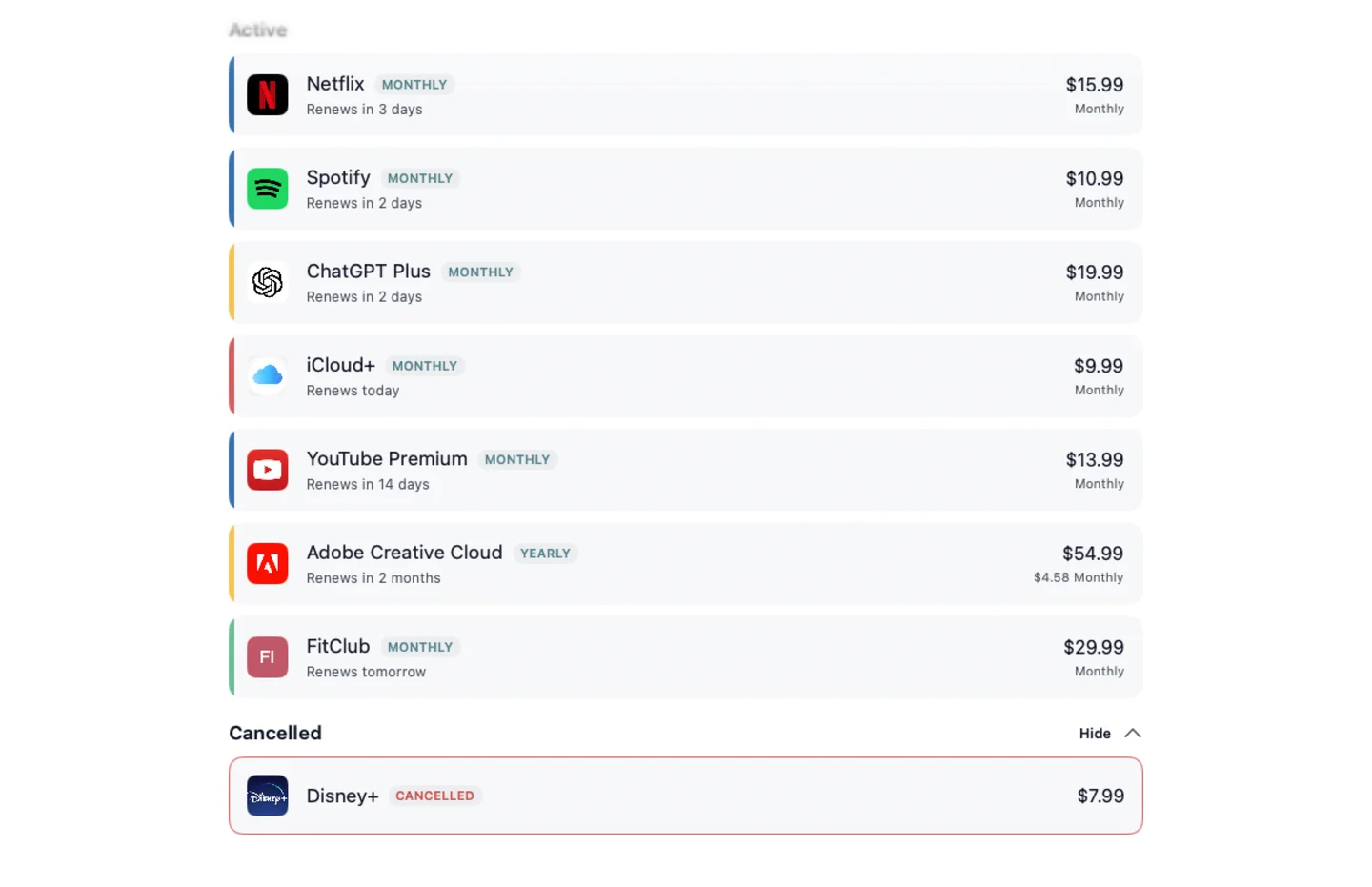
Review active and cancelled subscriptions.
Keep recurring costs and dates in view.
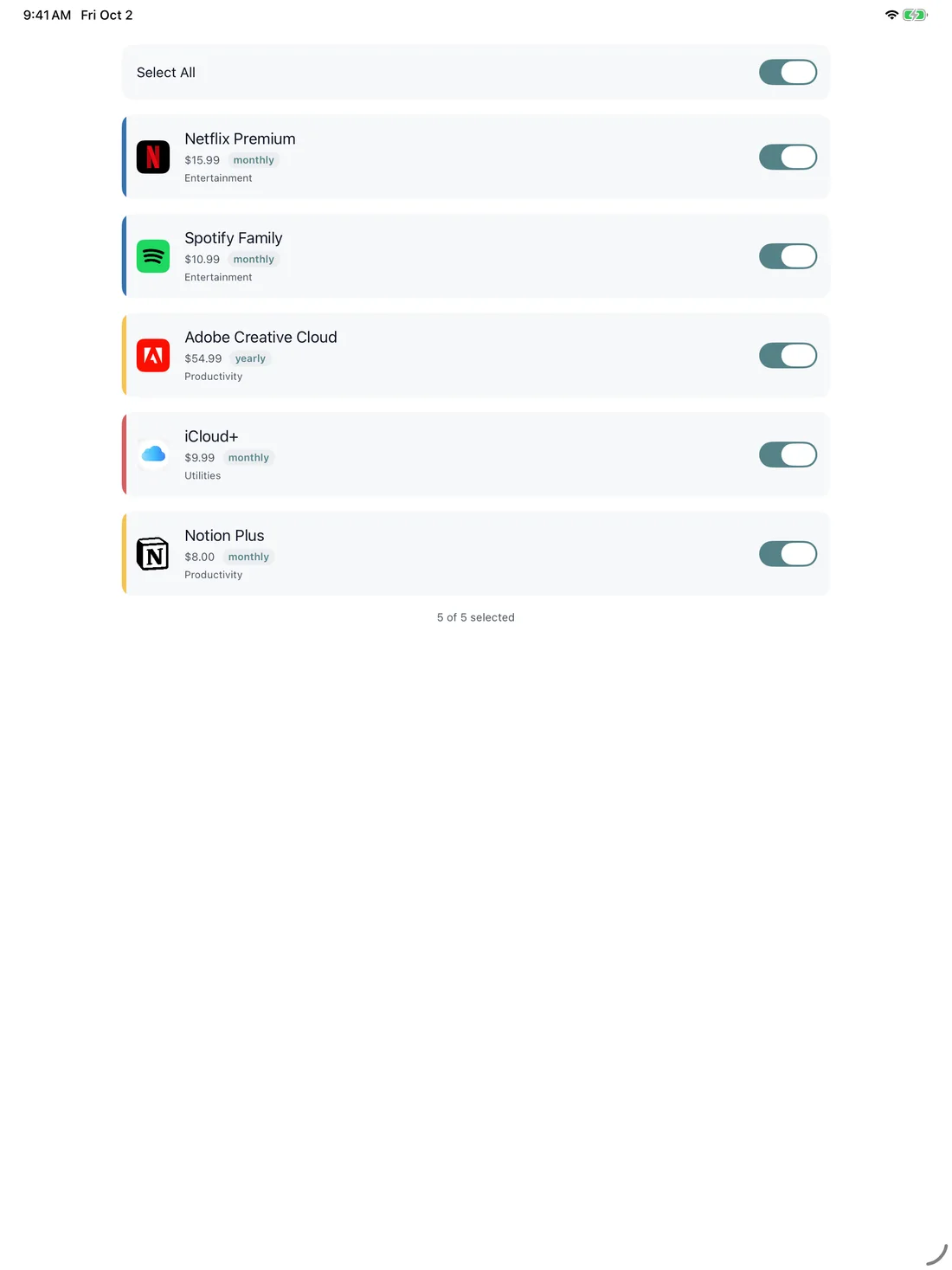
Review imported plans before adding them.
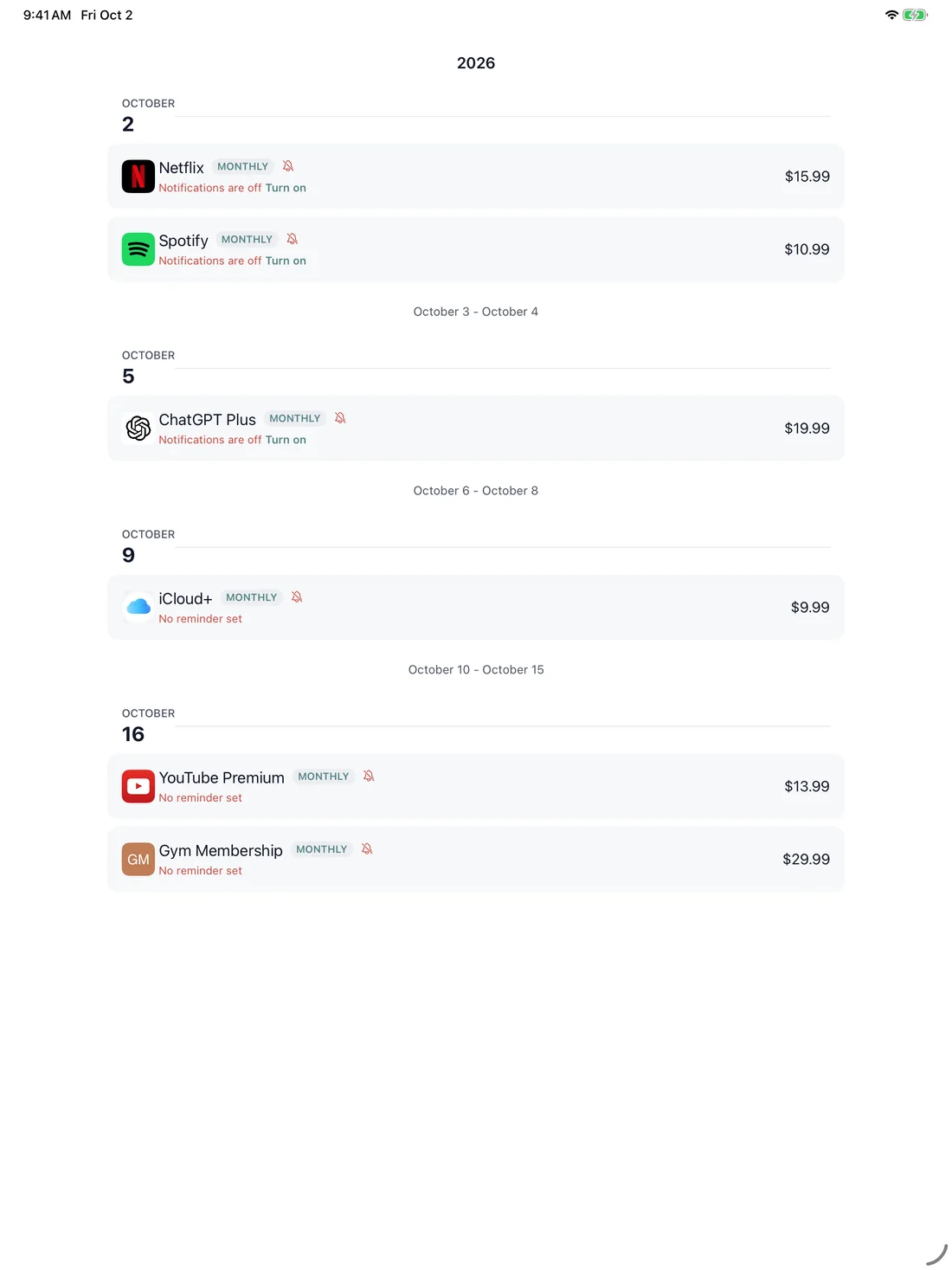
Keep upcoming renewals together.
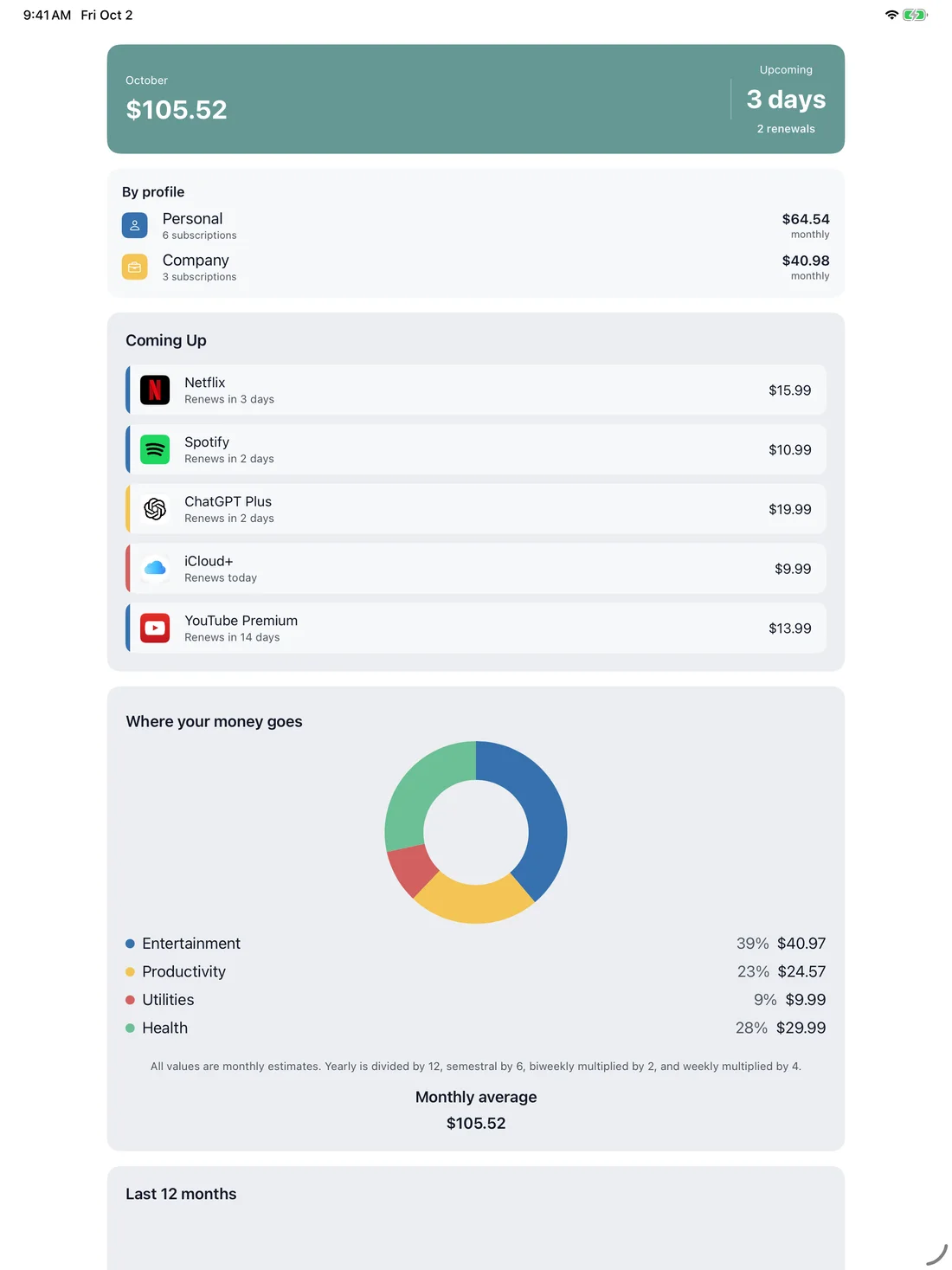
Compare recurring costs by profile.
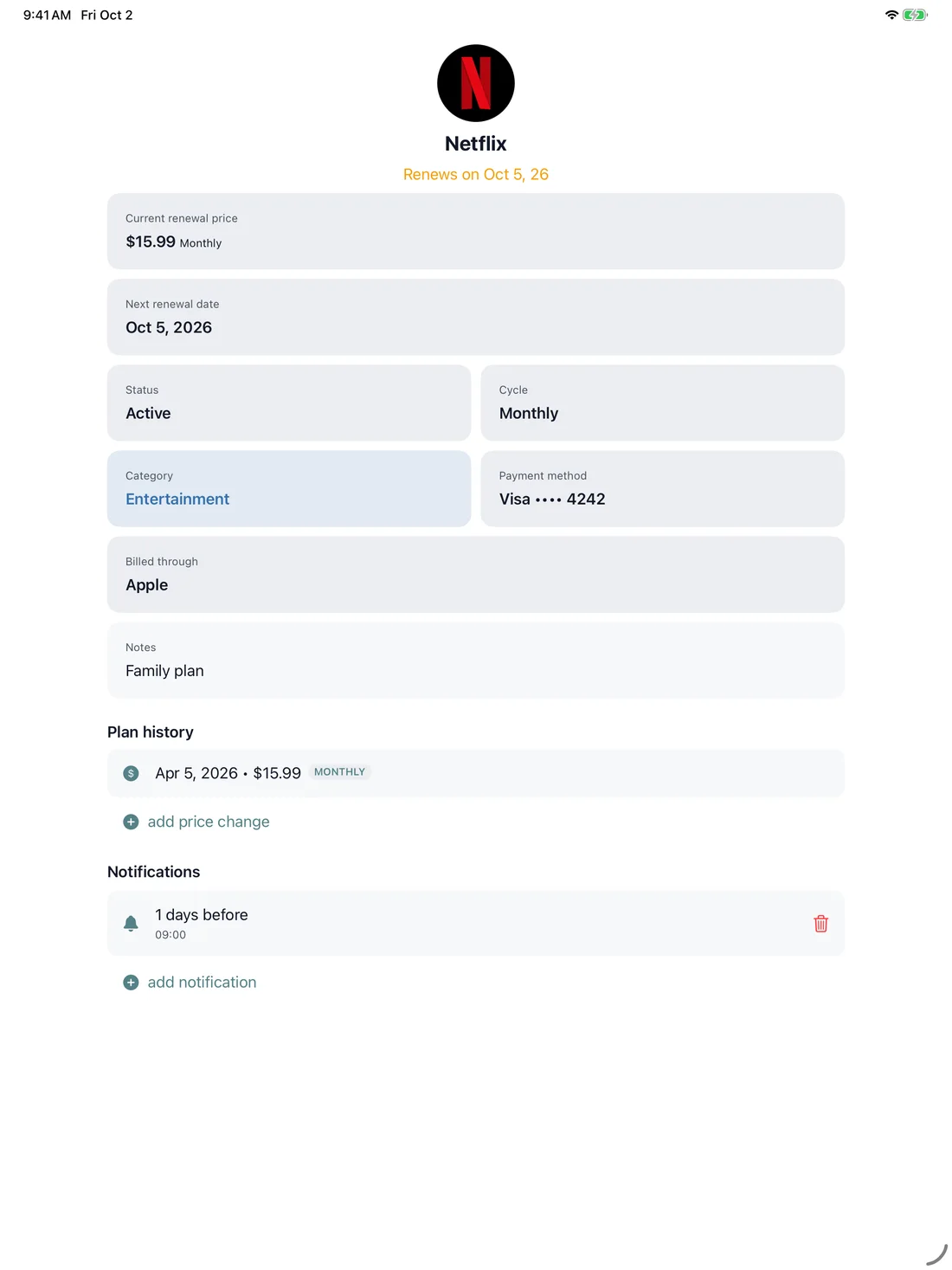
Check dates, payment methods and history.
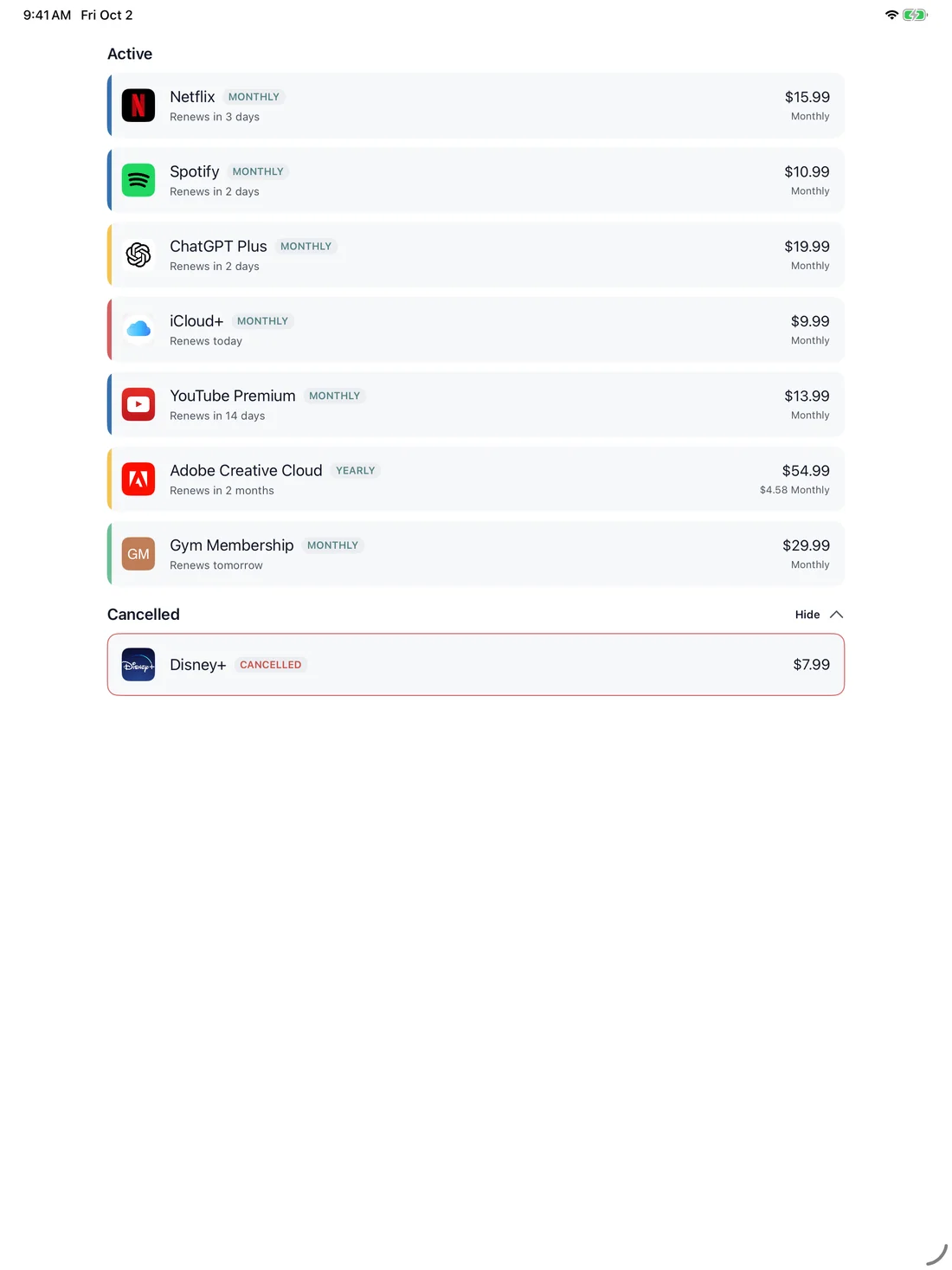
Review active and cancelled subscriptions.
Start free and upgrade to Pro when you're ready for the full experience.
FAQ
Keep recurring costs and dates in view.
This is a small browser illustration, using fictional examples. It does not access your accounts, calendar, files or device. Download or open the product for the complete experience.
MyRenewals
iPhone · iPad · Mac · Available now