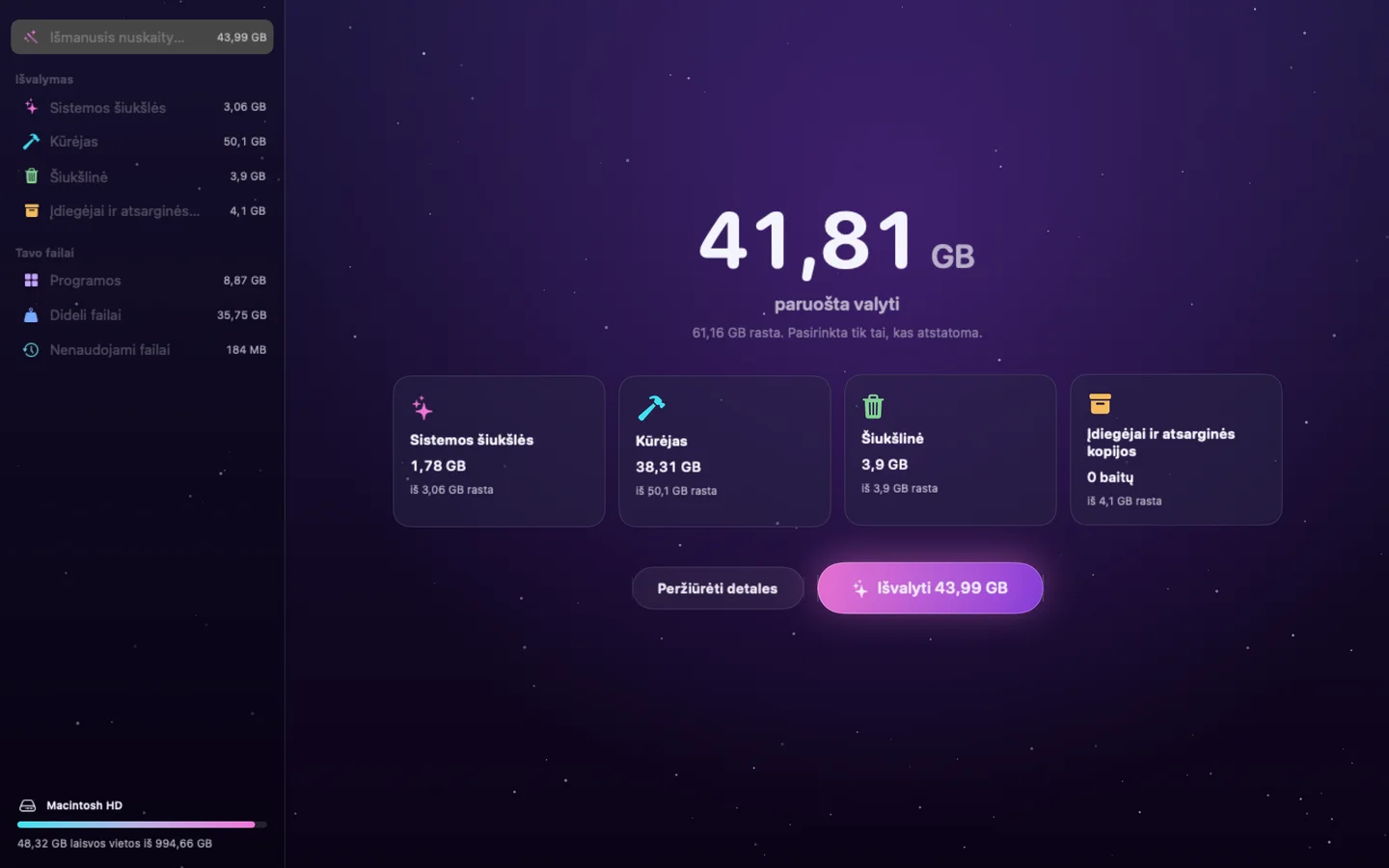
01 / Išmanioji patikra
Atlaisvink vietos.
Pamatyk, kas užima vietą tavo „Mac“ kompiuteryje.
 Poof
Poof
Availability unconfirmed · Mac
Pamatyk, kas užima vietą tavo „Mac“ kompiuteryje.
Public availability is being confirmed. Explore the project in the meantime.
A little hands-on
An interactive browser example with sample data. The app itself is shown in the native captures below.
Inside the app
Poof · lt
01 / Išmanioji patikra
Pamatyk, kas užima vietą tavo „Mac“ kompiuteryje.
02 / Sistemos šiukšlės
Pasirink, ką šalinti.
03 / Programos
Pamatyk, kiek vietos užima kiekviena programėlė.
04 / Kūrėjas
Stebėk kūrimo proceso metu susidariusias šiukšles.
The Mac App Store edition runs in Apple’s App Sandbox, so macOS asks you to choose your Home folder once. Poof reads only names, sizes and dates to find what can be cleaned, and removes nothing until you confirm.
It is optional. With it, Poof can also look at the Trash, Mail downloads and app container caches. Turn it on in System Settings › Privacy & Security › Full Disk Access.
Poof moves an app and the data it keeps to the Trash, so you can put them back. The Mac App Store edition asks for your Applications folder once. macOS protects apps you’ve opened from other apps: to remove those, allow Poof in System Settings › Privacy & Security › App Management. Apps installed for everyone on your Mac — from the App Store or an installer — can only be removed in Finder, which asks for your password.
Scanning is free; cleaning needs Poof Pro — weekly, yearly or lifetime. To bring back a purchase on another Mac, choose Restore Purchases on the plans page or in Poof › Settings. Manage or cancel a subscription in your App Store account settings.
FAQ
Pamatyk, kas užima vietą tavo „Mac“ kompiuteryje.
Mac · Availability unconfirmed
Public availability is being confirmed. Explore the project in the meantime.
This is a small browser illustration, using fictional examples. It does not access your accounts, calendar, files or device. Download or open the product for the complete experience.
Poof
Mac · Availability unconfirmed